Accidentally left Caps Lock on for three paragraphs? Need a blog title in proper Title Case? Converting a product name into camelCase for a JavaScript variable, or into snake_case for a database column? All of these are the same underlying problem — changing the capitalization or word-separator style of text without retyping it — and a case converter solves every one of them instantly.
This guide covers the everyday case styles (UPPERCASE, lowercase, Sentence case, Title Case) and the developer-focused formats (camelCase, PascalCase, snake_case, kebab-case, CONSTANT_CASE) that most case-converter guides skip entirely, plus the SEO and formatting mistakes worth avoiding.
Try it instantly with the free EasifyMe Case Converter — it supports all 11 formats below, runs in your browser, and never uploads your text anywhere.
Quick Reference: All 11 Case Styles
|
Case Style |
Example |
Typical Use |
|
UPPER CASE |
THIS IS AN EXAMPLE |
Headings, acronyms, warnings |
|
lower case |
this is an example |
Data normalization, casual text |
|
Sentence case |
This is an example |
Paragraphs, meta descriptions |
|
Title Case |
This Is an Example |
Blog titles, headings |
|
camelCase |
thisIsAnExample |
JavaScript variables |
|
PascalCase |
ThisIsAnExample |
Class names (C#, Java) |
|
snake_case |
this_is_an_example |
Python variables, DB columns |
|
kebab-case |
this-is-an-example |
CSS classes, URL slugs |
|
CONSTANT_CASE |
THIS_IS_AN_EXAMPLE |
Constants, env variables |
|
dot.case |
this.is.an.example |
Config keys, namespaces |
|
aLtErNaTiNg cAsE |
tHiS iS aN eXaMpLe |
Memes, stylized text |
Why Manual Re-Typing Wastes Your Time
You look up after typing three paragraphs and realize Caps Lock was on the whole time. A decade ago, the fix was deleting everything and starting over. Today, a case converter fixes it with one click — paste the text, choose Sentence case, done.
Consistent formatting also matters for credibility. If your H2 headings on a website mix Title Case and Sentence case randomly, it looks unpolished to readers and can confuse how search engines parse your content hierarchy. Picking one case style and applying it consistently — across headings, product titles, and meta tags — is a small detail that makes a real difference.
For SEO specifically, ALL CAPS meta titles and descriptions can visually resemble spam in search results. Running them through the EasifyMe Case Converter first keeps them clean and clickable.
How to Use the Case Converter: Step-by-Step
Step 1 — Copy your text
Select the text that needs fixing — one word or ten pages, it doesn't matter. Copy it from wherever it lives: a PDF, an email, your code editor, anywhere.
Step 2 — Open the tool
Go to the EasifyMe Case Converter. No signup, no install. Everything runs locally in your browser, so your text is never sent to a server.
Step 3 — Paste and pick a format
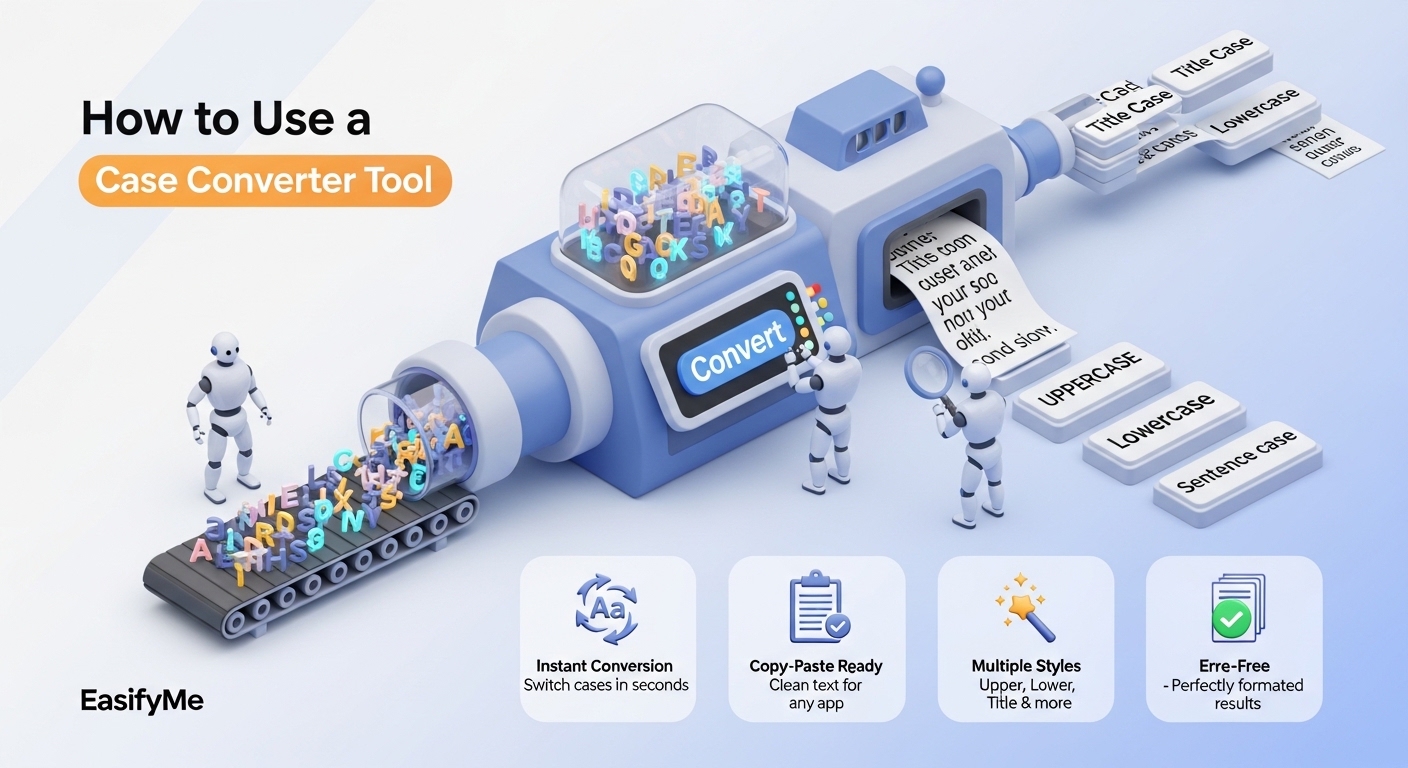
Paste your text into the input box and choose your output format from the 11 available styles — from basic UPPERCASE down to developer formats like snake_case and kebab-case.
Step 4 — Copy the result
The converted text appears instantly. Click Copy to Clipboard and paste it wherever you need it. If you want to compare it against the original side-by-side first, the EasifyMe Case Converter also includes a swap/undo feature for quick adjustments.
Developer Case Formats Explained (camelCase, snake_case, kebab-case & More)
If you write code, you'll run into naming convention rules constantly — and different languages and contexts expect different formats. Converting between them by hand is tedious and error-prone; here's what each one is actually for.
camelCase
First word lowercase, every following word capitalized, no separators: thisIsAnExample. This is the standard convention for variable and function names in JavaScript, Java, and most C-family languages.
|
let userFirstName = "Alex"; function getUserProfile() { ... } |
PascalCase
Like camelCase, but the first word is also capitalized: ThisIsAnExample. Used for class names and component names in C#, Java, and React.
|
class UserProfile { ... } function UserCard() { ... } // React component |
snake_case
Words separated by underscores, all lowercase: this_is_an_example. The standard for Python variable and function names, and extremely common for database column names.
|
user_first_name = "Alex" SELECT order_id, created_at FROM orders; |
kebab-case
Words separated by hyphens: this-is-an-example. Used for CSS class names, HTML attributes, URL slugs, and npm package names — hyphens are easier to read in URLs than underscores.
|
.user-profile-card { ... } https://example.com/blog/case-converter-guide |
CONSTANT_CASE
All uppercase with underscores: THIS_IS_AN_EXAMPLE. The near-universal convention for constants and environment variables across almost every language.
|
const MAX_RETRY_COUNT = 5; export API_BASE_URL=https://api.example.com |
Switching a list of product names, form field labels, or API keys between these formats by hand invites typos. The EasifyMe Case Converter converts in bulk and strips invalid characters automatically so the output is always a valid identifier.
Title Case: Why Style Guide Matters
Not all Title Case is the same. Different publishing contexts follow different capitalization rules for short words like “the,” “of,” and “and”:
|
Style Guide |
Rule |
Common Use |
|
Chicago Manual of Style |
Lowercases articles, short prepositions, and conjunctions unless first/last word |
General publishing, books |
|
APA |
Lowercases words of 3 letters or fewer (with first/last word exceptions) |
Academic & psychology papers |
|
AP Style |
Capitalizes words of 4+ letters; lowercases short words |
Journalism, news writing |
|
Simple |
Capitalizes every word, no exceptions |
Casual titles, quick formatting |
Example: “The Quick Brown Fox Jumps over the Lazy Dog” — under Chicago style, “over” and “the” stay lowercase because they're minor words. The EasifyMe Title Case Converter supports all four style guides and automatically preserves acronyms like USA, NASA, and HTML instead of mangling them into “Usa” or “Nasa.” Proper Title Case matters most for blog titles, email subject lines, and SEO meta titles, where inconsistent capitalization looks unpolished in search results.
Common Case-Formatting Mistakes to Avoid
The all-caps penalty. ALL CAPS in social captions or ad copy can read as shouting and lower engagement. Use Sentence case or Title Case instead — the EasifyMe Lowercase Converter or Uppercase Converter makes the fix one click either direction.
Inconsistent headings. Mixing Title Case and Sentence case across H2 tags on the same page looks inconsistent to readers and muddies your content hierarchy. Pick one and apply it everywhere.
Treating Title Case as “capitalize everything.” Capitalizing every single word, including “the,” “and,” and “of,” is one of the most common Title Case mistakes — that's Capitalized Case, not Title Case under any major style guide.
Forgetting the colon rule. Most style guides require the word after a colon to be capitalized in a title — an easy detail to miss when editing by hand.
Hidden extra spaces after pasting. Copy-pasting from PDFs or emails often introduces stray spaces. Run a quick character count check with the Character Counter to confirm your text length looks right after cleanup.
Case Conversion by Use Case
For Developers
Beyond writing prose, you'll constantly convert identifiers between camelCase, snake_case, and kebab-case when moving data between a JavaScript frontend, a Python backend, and a database. The Case Converter handles bulk conversion of variable lists, and pairs well with EasifyMe's JSON Formatter when you need to reformat API payload keys to match a different naming convention.
For Content Creators
Headlines sell — and a consistent Title Case style across every post makes a blog look professionally edited. Pair the Title Case Converter with the Character Counter to make sure your title still fits Google's recommended length after formatting.
For Small Businesses
A product catalog where every name is in lowercase looks unfinished. Batch-converting an entire list to Title Case or Capitalized Case with the EasifyMe Case Converter gives a store an instant professional upgrade with no manual retyping.
Frequently Asked Questions
What's the difference between Title Case and Capitalized Case?
Title Case capitalizes major words but keeps minor words (“in,” “of,” “and”) lowercase, following a style guide. Capitalized Case simply capitalizes the first letter of every word, regardless of its grammatical role.
Can this fix accidental Caps Lock text?
Yes. Paste the all-caps text and select Sentence case — it lowercases everything and capitalizes only the first letter of each sentence (and proper nouns it recognizes).
Is there a text length limit?
No practical limit for normal use — the tool handles anything from a single sentence to a multi-thousand-word document without slowing down, since all processing happens in your browser.
What's the difference between camelCase and PascalCase?
In camelCase the first word starts lowercase (myVariableName); in PascalCase every word, including the first, is capitalized (MyVariableName). camelCase is standard for JavaScript variables; PascalCase is standard for class names in C# and Java.
Does converting case affect numbers or punctuation?
No. Numbers, punctuation, spaces, and emojis are preserved exactly as they are — only alphabetic characters change. For developer formats like snake_case, special characters are stripped to produce a valid identifier.
Does it work on mobile?
Yes, the tool is fully responsive and works the same on iPhone, Android, or tablet as it does on desktop — handy for fixing text before posting to social media.
Will my text be stored anywhere?
No. Conversion happens entirely in your browser's memory. Nothing is uploaded, logged, or stored — once you close the tab, the text is gone.
Why use a dedicated tool instead of Word or Google Docs?
Speed and range of formats. Word's “Change Case” option is buried in a menu and only offers a few basic styles. A dedicated case converter puts every format — including developer-specific ones like snake_case and kebab-case — one click away.
Final Thoughts
Formatting is the bridge between a rough draft and a finished product. Whether you're fixing a Caps Lock accident, standardizing blog titles, or converting variable names between camelCase and snake_case for a project handoff, a case converter turns a tedious manual job into a one-click task.
Ready to fix your text? Open the EasifyMe Case Converter now — free, instant, and nothing leaves your browser.
Disclaimer: EasifyMe.com provides tools for informational and productivity purposes. While our case converter is highly accurate, always proofread your text to confirm proper nouns and acronyms are capitalized correctly.