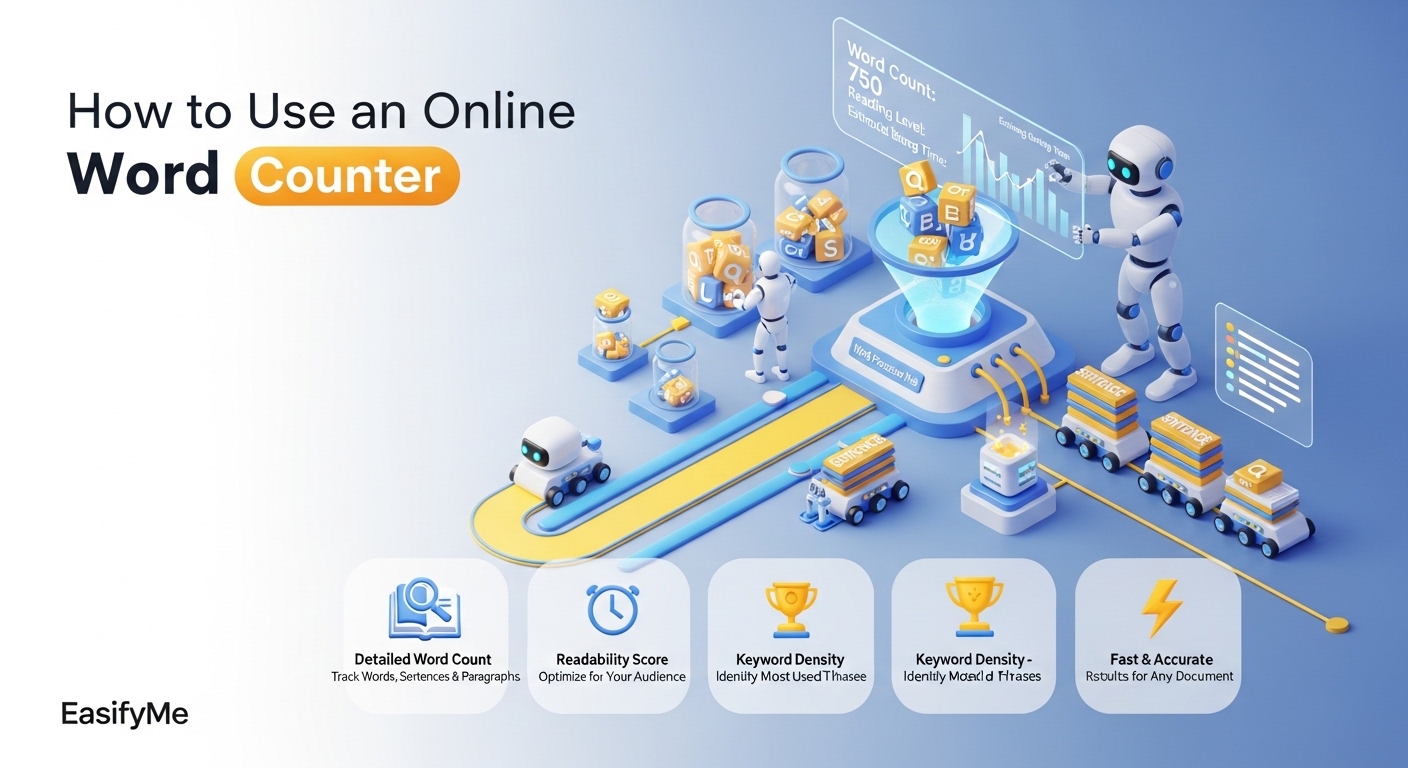
To use a word counter online free, paste your text into the tool — it instantly shows word count, character count, and reading time. EasifyMe is a free real time word counter online tool that works without login, helps you write within limits, and is perfect for blogs, essays, ads, and SEO writing.
Introduction
You're writing a 1000-word blog post. You're typing fast. But how do you know when you cross 1000? A word counter online free is the simplest fix — it counts your words live as you write.
In this guide, we'll cover what a word counter is, how it works, and how to use it like a pro — for blogging, essays, SEO, and social media.
What Is a Word Counter?
A word counter is a free online tool that counts how many words and characters your text has. The best ones also show:
• Total words
• Total characters (with and without spaces)
• Sentences and paragraphs
• Reading time and speaking time
• Most-used keywords (basic SEO check)
It is one of the most popular tools for writers, students, marketers, and bloggers.
How It Works (Real-Time Counting)
A modern online word count checker fast runs in your browser. As you type or paste text, JavaScript splits the text by spaces and punctuation and counts each word in real time.
There is no "Submit" button. The numbers update with every keystroke. And because the tool runs locally, your text never leaves your device — making it private and secure.
Step-by-Step Guide to Use the Tool Online
1. Open the EasifyMe Word Counter.
2. Paste or type your text into the input box.
3. Watch the live word and character count update on the side.
4. Check sentences, paragraphs, and reading time.
5. Edit your text until you hit your target.
6. Copy the final version and use it in your blog, essay, or ad.
That is the entire workflow. Faster than opening Microsoft Word.
Recommended Word Counts (SEO, Blogs, Social Media)
|
Content Type |
Best Word Count |
Why It Works |
|
SEO blog post |
1,000–2,000 |
Google ranks deep content |
|
Pillar / how-to guide |
2,500–4,000 |
Better authority + dwell time |
|
Twitter / X post |
30–50 |
Highest engagement zone |
|
LinkedIn post |
150–300 |
Strong reach without truncation |
|
Instagram caption |
100–150 |
Reads well in feed |
|
Email newsletter |
200–500 |
Easy to read, high CTR |
|
College essay |
500–1,500 |
Standard requirement |
|
Meta description |
150–160 chars |
Avoids Google cut-off |
Features Comparison: Manual vs Online Word Counter
|
Feature |
Manual Counting |
Online Word Counter |
|
Counting speed |
Slow, error-prone |
Real-time |
|
Sentences + paragraphs |
Painful |
Auto |
|
Reading time |
Not possible |
Built-in |
|
Mobile use |
Hard |
Works everywhere |
|
Cost |
Your time |
Free, no login |
Benefits for Writing, SEO, and Content Planning
• Hit your target: A free word count tool online keeps your writing exactly the right length.
• SEO-ready: Use a word count tool for SEO writing to plan blog posts at the ideal 1,000–2,000 word range.
• Better readability: Real-time sentence and paragraph count helps you avoid huge blocks of text.
• Time saved: A word counter for essays and blogs removes the need to switch back and forth between Word and your draft.
• Privacy: Browser-based tools never upload your text.
Real Use Cases
For Bloggers
Aim for 1,500–2,000 words for SEO-friendly blog posts. A live word counter helps you stop padding the text once you hit the sweet spot.
For Students
College essays usually have strict word limits — 500, 1,000, or 1,500. A word and character counter tool keeps you within range without guessing.
For Marketers
Plan ad copy, landing page sections, and email newsletters with exact word targets that match conversion best practices.
For Social Media Managers
Twitter, LinkedIn, and Instagram all have a sweet-spot word count for engagement. A real-time counter helps you hit it every time.
For SEO Writers
Some clients pay per 1,000 words. A reliable count words in text online free tool ensures your delivery matches the brief perfectly.
Count Words Instantly with EasifyMe
|
✏️ Try the EasifyMe Word Counter. It is a fast, word counter tool no login free — built for blog writers, students, and marketers. Real-time word count, character count, reading time, and keyword density. 100% in your browser. No ads. Don't Work Hard. Easify It. |
Frequently Asked Questions (FAQs)
Q: How do I count words online for free?
A: Open EasifyMe Word Counter, paste your text, and read the live count. No signup, no download — works on mobile and desktop.
Q: Does the word counter also show characters?
A: Yes. EasifyMe is a complete word and character counter tool — it shows words, characters with and without spaces, sentences, paragraphs, and reading time.
Q: Is the word counter useful for SEO?
A: Yes. Most SEO blog posts perform best between 1,000 and 2,000 words. A live counter helps you stay in this sweet spot without guessing.
Q: Can I count words for an essay?
A: Yes. A word counter for essays and blogs is perfect for school and college work where teachers set strict word limits.
Q: Is the EasifyMe word counter safe to use?
A: Yes. The tool runs entirely in your browser — your text never leaves your device. There's no upload and no storage.
Q: Does it work on mobile?
A: Yes. EasifyMe Word Counter is fully responsive and works smoothly on mobile, tablet, and desktop.
Conclusion
Word counting feels small, but it shapes how clear, focused, and SEO-ready your writing becomes. From blog posts to college essays to Twitter threads, knowing your exact word count gives you control over every piece of writing.
Make every word count. Use a clean, fast, real time word counter online like EasifyMe and turn writing into a smoother, smarter habit.