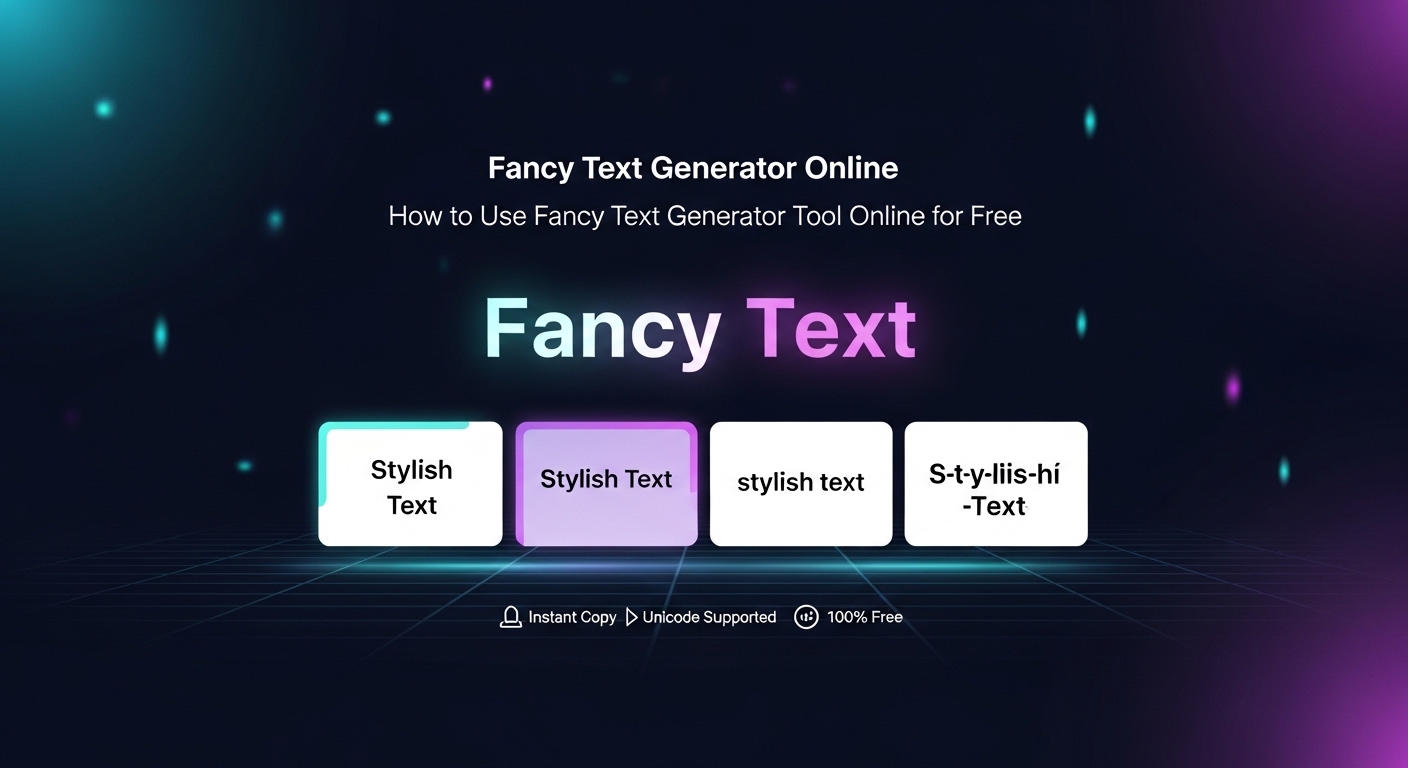
To use a fancy text generator online free, type your text into the tool, pick a stylish font, and click "Copy." Paste it into Instagram, WhatsApp, gaming usernames, or anywhere you want. EasifyMe is a unicode fancy text generator tool that works without login and instantly creates aesthetic, stylish, and cool fonts for social media.
Introduction
You see someone's Instagram bio in cute curly letters and wonder, "How did they do that?" The answer is simple: a fancy text generator online free. It turns boring text into stylish fonts that you can copy-paste anywhere.
In this guide, you'll learn what a fancy text generator is, how it works, and how to use it like a pro — in under 60 seconds.
What Is a Fancy Text Generator?
A fancy text generator is a free online tool that converts your normal text into many cool, stylish, and aesthetic versions. Think bold, italic, bubble letters, gothic, cursive, upside-down — all in one place.
It is the easiest way to make your usernames, bios, captions, and chats stand out. No design skill needed. No software to install.
How It Works (Unicode, Made Simple)
Most people think these fancy fonts are images — they are not. They are Unicode characters.
Unicode is a universal alphabet that includes thousands of letters and symbols beyond the standard A–Z. A unicode fancy text generator tool simply maps your normal letters (like "A") to a stylish Unicode version (like "𝓐" or "Ⓐ").
Because they are real characters — not images — they work on Instagram, WhatsApp, Facebook, gaming platforms, Discord, and more.
Step-by-Step Guide to Use the Tool Online
Here's how to use the free fancy text maker online, step by step:
1. Open the EasifyMe Fancy Text Generator in your browser.
2. Type or paste your text in the input box ("Hello", your name, your brand, anything).
3. Instantly see 50+ styles below — bold, cursive, bubble, gothic, aesthetic, and more.
4. Click the "Copy" button next to the style you like.
5. Paste it into Instagram bio, WhatsApp status, Free Fire username, or anywhere else.
That's the entire process. No signup. No watermark.
Popular Fancy Text Styles
|
Style |
Example |
Where It Looks Best |
|
Bold Sans |
𝗛𝗲𝗹𝗹𝗼 |
Captions, headings |
|
Italic |
𝐻𝑒𝑙𝑙𝑜 |
Quotes, bios |
|
Cursive |
𝓗𝓮𝓵𝓵𝓸 |
Aesthetic Instagram bios |
|
Bubble |
Ⓗⓔⓛⓛⓞ |
Gaming names, fun chats |
|
Gothic |
𝔥𝔢𝔩𝔩𝔬 |
Edgy usernames, branding |
|
Small Caps |
ʜᴇʟʟᴏ |
Minimal, clean look |
|
Upside Down |
ollǝH |
Memes, surprise posts |
Where Fancy Text Works (Platform Compatibility)
|
Platform |
Works? |
Best Use |
|
|
Yes |
Bio, captions, story stickers |
|
|
Yes |
Status, group names |
|
|
Yes |
Posts, name display |
|
Twitter / X |
Yes |
Tweets, profile name |
|
Discord |
Yes |
Username, server names |
|
Free Fire / BGMI |
Yes |
Player tags, clan names |
|
|
Limited |
Use sparingly for headlines |
Benefits of Using a Fancy Text Generator
• Stand out in feeds: Your post catches the eye in a sea of plain text.
• Personal branding: A consistent fancy font becomes part of your identity.
• No design skill: No Photoshop. No Canva. Just copy-paste.
• Free and fast: A fancy text generator without login works in 5 seconds.
• Mobile-friendly: Works on any phone or laptop browser.
Popular Use Cases
Instagram Bios and Captions
A stylish text generator copy paste is the #1 reason people use this tool. A fancy bio makes your profile feel premium and aesthetic, and it instantly improves first impressions.
Gaming Usernames
From Free Fire to BGMI to Valorant, a cool fonts generator for social media doubles as a text style generator for usernames. Gothic and bubble fonts are especially popular in gaming.
Branding and Logos
Small businesses use cursive and bold styles to make their brand name memorable in posts and packaging text.
WhatsApp Status and Group Names
Make your status stand out from the regular plain text everyone else uses.
YouTube Titles and Channel Names
A small fancy touch in your channel name makes your brand recognizable in subscriber lists.
Generate Stylish Fonts with EasifyMe
|
🎨 Try the EasifyMe Fancy Text Generator. It is a free aesthetic text generator copy paste tool with 50+ styles, instant copy, mobile support, and zero ads. Use it for fancy fonts generator for Instagram, gaming, bios, captions, and more. No login. No watermark. Don't Work Hard. Easify It. |
Frequently Asked Questions (FAQs)
Q: Is the fancy text generator really free?
A: Yes. EasifyMe's fancy text generator is 100% free, with no login, no signup, and no hidden cost.
Q: Will fancy text work on Instagram bio?
A: Yes. Because the tool uses Unicode characters, fancy text works perfectly in Instagram bios, captions, and even comments.
Q: Why is fancy text not showing on some apps?
A: A few apps (older browsers or some corporate tools) may not render every Unicode style. Try a different style or update your app — the issue almost always disappears.
Q: Can I use fancy text for gaming usernames?
A: Yes. It is one of the most popular use cases. Gothic, bold, and bubble styles look great in Free Fire, BGMI, Valorant, and Discord.
Q: Is fancy text safe to use?
A: Yes. It's just Unicode text — no scripts, no malware. EasifyMe also runs everything in your browser, so nothing is uploaded.
Q: How do I copy fancy text on mobile?
A: Tap the style you like, then tap "Copy." The text is now in your clipboard. Open Instagram, WhatsApp, or any app, long-press the input box, and tap "Paste."
Conclusion
A fancy text generator is one of the most fun and useful free tools online. Whether you want a stylish Instagram bio, a cool gaming name, or a memorable brand identity, the right tool makes it easy in seconds.
Skip the typing tricks and weird symbols. Use a clean, fast, fancy text generator without login like EasifyMe and let your text do the talking.