The web has changed dramatically. With Google's AI Overviews now dominating search results, zero-click searches on the rise, and Core Web Vitals as a direct ranking factor, freelancers, marketers, and developers need tools that are not just free — but fast, reliable, and built for the modern web.
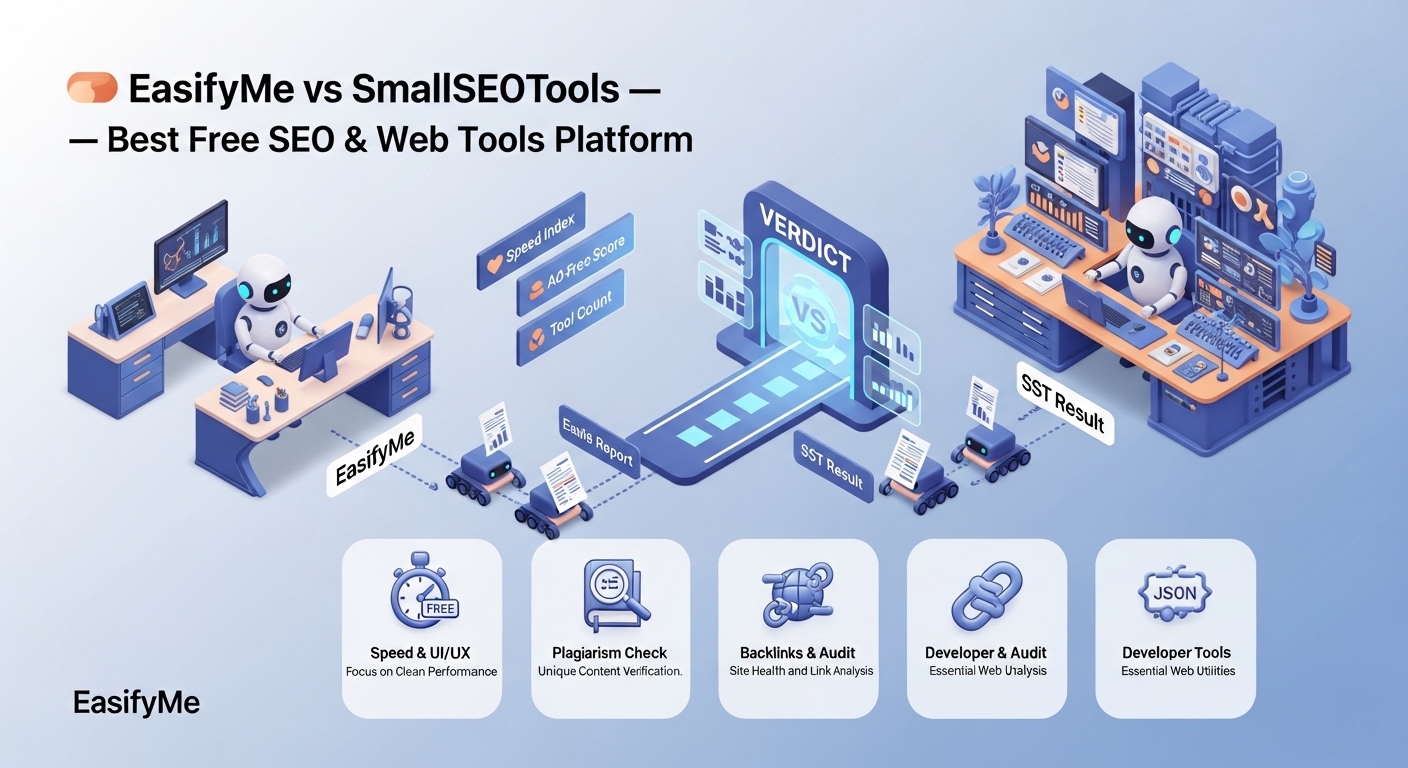
That's where the EasifyMe vs SmallSEOTools debate gets interesting. SmallSEOTools has been a household name in the free SEO tools space for years. But in 2026, EasifyMe.com has emerged as a serious challenger — and in many key areas, the clear winner.
This guide is not a simple feature list. We're doing a deep, head-to-head comparison across every dimension that actually matters: tool variety, user experience, speed, privacy, ad experience, platform design, and long-term value. By the end, you'll know exactly which platform deserves your daily workflow.
Why the Right Tool Platform Matters More Than Ever
Before comparing platforms, let's set the context. In 2026, a free tools platform is not just a convenience — it's infrastructure for your digital work. Consider what's at stake:
Time efficiency: If a tool takes 3 seconds to load versus 0.5 seconds, that's minutes of productivity lost every day across a team.
Privacy: Many "free" tools harvest your email, IP, and content data. Your pasted text, your documents, your site URLs — all potentially monetized.
Ad safety: Platforms cluttered with misleading "Download" buttons or pop-up ads are genuine malware risks. Users accidentally install browser hijackers every day this way.
Tool completeness: Switching between 8 different websites for 8 different tools breaks your flow and wastes time. An all-in-one platform solves this.
Mobile usability: In 2026, over 60% of digital work starts on mobile. If a tools platform isn't optimized for mobile, it's leaving most of its users behind.
💡 The right tools platform is the difference between a 10-minute task and a 45-minute task. Over a week, that adds up to hours of reclaimed productivity.
EasifyMe vs SmallSEOTools: At-a-Glance Comparison
|
Feature |
EasifyMe.com |
SmallSEOTools |
|
Pricing Model |
100% Free — all tools, always |
Free tier + Premium ($9.99/mo+) |
|
Sign-up Required |
Never — zero registration |
Optional but pushed frequently |
|
Ad Experience |
Clean, minimal — no pop-ups |
Heavy ads, misleading download buttons |
|
User Interface |
Modern, dark/light mode, mobile-first |
Traditional, cluttered, dated design |
|
Tool Variety |
SEO, AI, Finance, Dev, Image, PDF, Social |
Primarily SEO & text tools |
|
Mobile Optimization |
Fully responsive, touch-optimized |
Functional but not optimized |
|
Page Load Speed |
Sub-1 second on most tools |
Variable, often 2–4 seconds |
|
Privacy Policy |
No data storage, no tracking of inputs |
Data used for platform improvement |
|
AI Integration |
Built-in AI for meta tags, content tools |
Limited, mostly rule-based tools |
|
Malware Risk |
Zero — clean, verified codebase |
Moderate — misleading ad buttons |
Detailed Category-by-Category Comparison
1. SEO Tools
This is the core battleground. Both platforms offer the essential SEO utilities that webmasters rely on daily. But the depth, accuracy, and usability differ significantly.
EasifyMe's SEO suite includes:
Robots.txt Generator — create crawl rules with real-time syntax validation
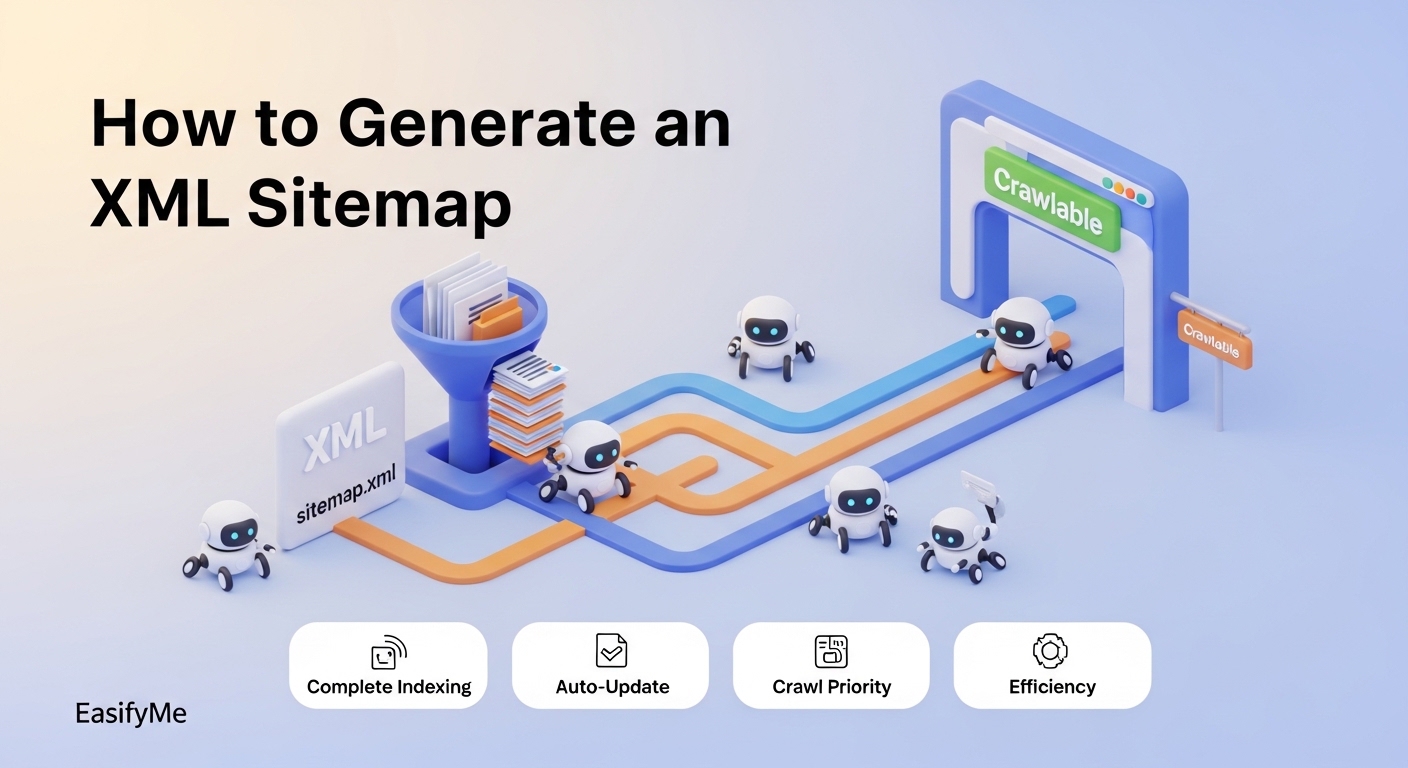
XML Sitemap Generator — build and export multi-page sitemaps instantly
Meta Tag Generator — AI-powered title and description suggestions
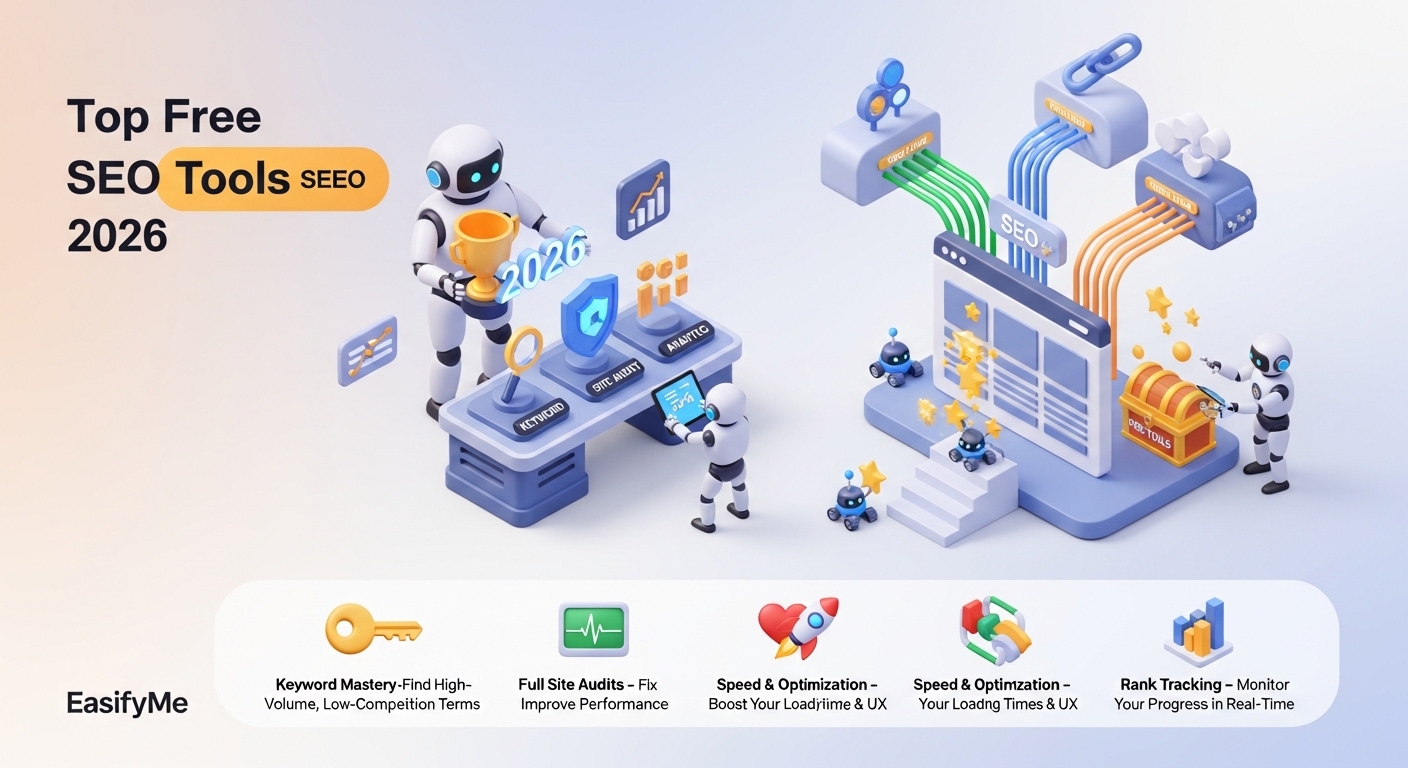
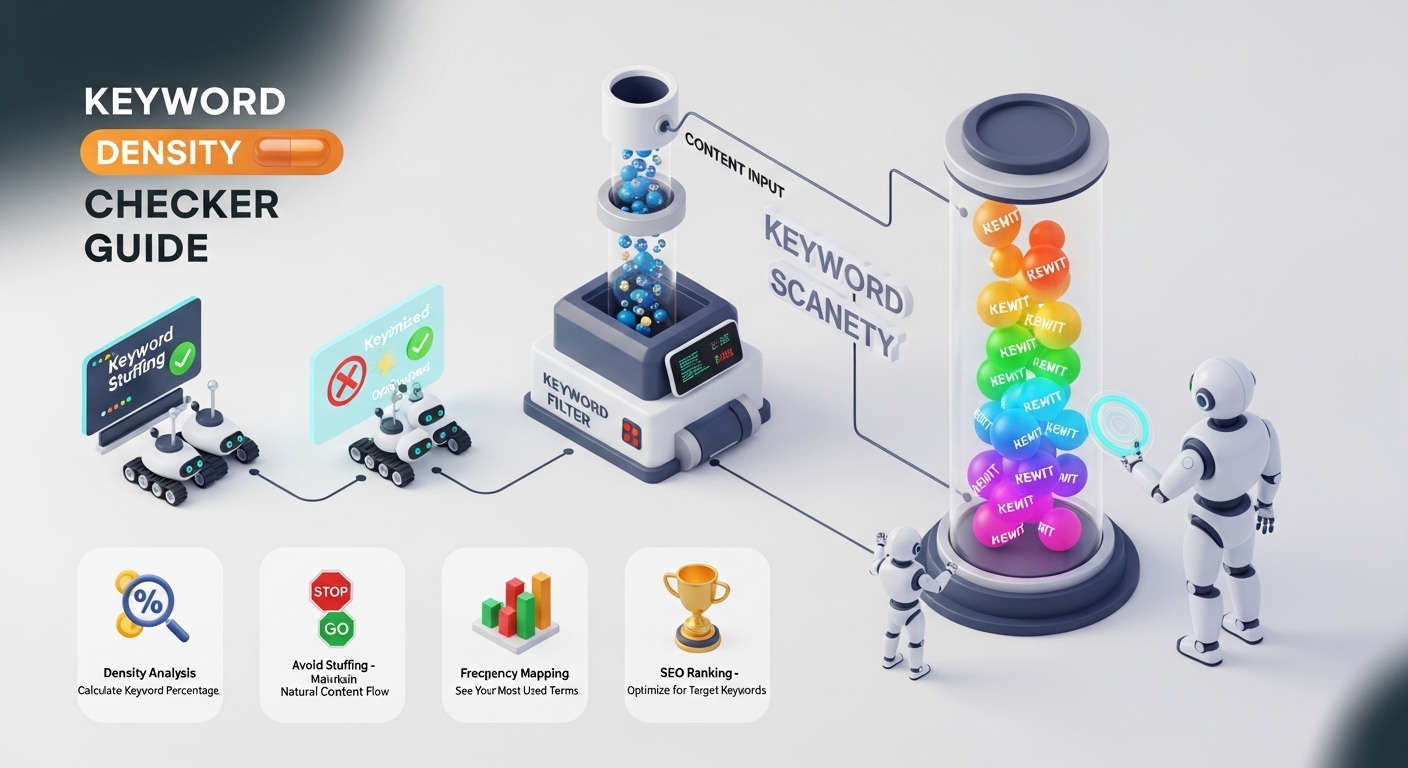
Keyword Density Checker — analyze keyword usage across any content
Word Counter — live word, character, sentence, and paragraph counts
Case Converter — 7 text case formats with bulk processing
SmallSEOTools offers many of the same tools but with key drawbacks:
Many tools require you to solve a CAPTCHA before seeing results
Several advanced features are locked behind a Premium account
Results pages are interrupted by full-page interstitial ads
No real-time processing — most tools require a form submit and page reload
💡 EasifyMe's SEO tools all process in real-time. No page reloads, no CAPTCHAs, no premium gates. See the full SEO suite: easifyme.com/seo-tools
2. Text & Content Tools
Content creators are one of the biggest user groups for both platforms. Whether you need to count words for an article, convert text case for a headline, or generate placeholder text for a design mockup, these tools are used dozens of times per day.
EasifyMe text tools standout features:
Character Counter with platform-specific limits (X/Twitter, LinkedIn, Instagram, SMS)
Fancy Text Generator with 50+ Unicode font styles for social media
Case Converter supporting 7 formats: UPPER, lower, Title, Sentence, aLtErNaTe, iNVERSE, and more
Lorem Ipsum Generator with customizable paragraph and sentence counts
Text Reverser, Duplicate Line Remover, and more micro-utilities
For a full walkthrough of these tools, see our How to Convert Text Case Online guide and our Word Counter Tool guide.
3. Developer Tools
This is where EasifyMe truly separates itself. SmallSEOTools is, at its core, an SEO platform that added some developer utilities as an afterthought. EasifyMe built a dedicated Developer Suite from the ground up.
EasifyMe Developer Tools include:
Base64 Encoder / Decoder — with support for files and images, not just text
JSON Formatter & Validator — real-time formatting with error highlighting
HTML Minifier / Beautifier — reduce file size or clean up messy HTML
URL Encoder / Decoder — handle special characters in query strings
Unit Converter — length, weight, temperature, data, and more
Color Picker & Converter — HEX, RGB, HSL conversions with visual preview
💡 For a deep dive into Base64 encoding and why developers encounter it constantly, read: easifyme.com/blog/base64-encoding-explained
SmallSEOTools has minimal developer tools — a basic code minifier and a few converters. If you're a developer, SmallSEOTools is not designed for you. EasifyMe is.
4. Image Tools
Visual content is mission-critical for SEO in 2026. Page speed (heavily influenced by image file sizes) is a Core Web Vitals ranking factor. WebP format adoption is now essentially mandatory for competitive sites.
EasifyMe Image Tools:
Image Resizer — resize to exact dimensions or by percentage, batch supported
Image Compressor — reduce file size without visible quality loss
WebP Converter — convert JPG/PNG to WebP format instantly
Image Cropper — free-form or aspect-ratio locked cropping
Format Converter — convert between JPG, PNG, WebP, GIF, BMP
All image processing happens in your browser — files are never uploaded to EasifyMe servers. For best practices, see our How to Resize Images Without Losing Quality guide.
SmallSEOTools has a basic image compressor and resizer, but no WebP conversion and limited format support. For serious image optimization workflows, EasifyMe wins decisively.
5. Finance & Calculator Tools
This is a category SmallSEOTools doesn't compete in at all. EasifyMe recognized that its user base — freelancers, small business owners, content creators — need financial tools just as much as SEO tools.
EasifyMe Finance Tools:
EMI Calculator — calculate loan repayments for home, car, and personal loans
BMI Calculator — with health range interpretation and recommendations
Percentage Calculator — multiple calculation modes for business math
GST Calculator — calculate Goods and Services Tax for Indian businesses
Currency Converter — live exchange rates for 150+ currencies
Age Calculator — precise age in years, months, and days
These aren't afterthoughts — they're full-featured tools. For example, see our deep-dive on Zero-Cost EMI Hidden Charges guide — a resource that helps real users avoid being misled by lenders.
6. AI-Powered Tools
Artificial intelligence has fundamentally changed what a "free online tool" can do. In 2026, the best tools don't just process your input mechanically — they understand context and generate intelligent output.
EasifyMe's AI-powered capabilities:
AI Meta Tag Generator — generates SEO-optimized title tags and meta descriptions based on your page content and target keyword, not just a template
AI Content Suggestions — within the word counter and writing tools, AI hints for readability improvements
AI-informed Keyword Density Analysis — goes beyond simple percentage counts to flag keyword stuffing patterns
SmallSEOTools has added some AI features, but they're largely cosmetic — the underlying tools still operate on the same rule-based logic they've used for years. EasifyMe built AI integration into the tool architecture from the start.
7. User Experience & Design
This is perhaps the starkest difference between the two platforms. Design is not cosmetic — it directly affects how efficiently you can use the tools.
|
UX Factor |
EasifyMe |
SmallSEOTools |
|
Color Scheme |
Modern dark/light mode toggle |
Fixed white background, dated look |
|
Navigation |
Categorized tool grid, instant search |
Long dropdown menus, hard to browse |
|
Mobile Layout |
Fully responsive, touch-friendly inputs |
Functional but cramped on mobile |
|
Ad Placement |
Non-intrusive, no pop-ups |
Interstitial ads, misleading buttons |
|
Tool Discovery |
Related tools shown after each result |
Requires manual navigation |
|
Dark Mode |
Yes — full dark mode support |
No dark mode |
|
Loading Style |
Results appear in real-time as you type |
Submit form, wait for page reload |
8. Privacy & Data Security
This is a conversation most free tool comparison articles skip — but it's arguably the most important factor for professional users.
When you paste content into a free online tool, where does that content go? Is it stored on the platform's servers? Is it analyzed? Is it used to train AI models? Is it sold to advertisers?
EasifyMe's privacy approach:
No registration required — your identity is never captured
No server-side storage — text and file inputs are processed client-side in your browser
No email capture — no newsletter opt-in walls or "sign up to see results" gates
No data sharing — content you process through EasifyMe tools is never transmitted to third parties
⚠️ With SmallSEOTools, their privacy policy states that usage data and tool inputs may be used to improve the platform. If you're pasting client content, confidential copy, or proprietary code, this is a meaningful risk to consider.
Head-to-Head Scorecard
Here's our final category-by-category scoring:
|
Category |
EasifyMe Score |
SmallSEOTools Score |
|
SEO Tools Quality |
9.2 / 10 |
8.5 / 10 |
|
Text & Content Tools |
9.5 / 10 |
8.0 / 10 |
|
Developer Tools |
9.4 / 10 |
5.5 / 10 |
|
Image Tools |
9.0 / 10 |
6.0 / 10 |
|
Finance Tools |
9.3 / 10 |
N/A |
|
AI Integration |
8.8 / 10 |
6.5 / 10 |
|
User Experience |
9.6 / 10 |
6.5 / 10 |
|
Privacy & Security |
9.8 / 10 |
7.0 / 10 |
|
Mobile Experience |
9.5 / 10 |
7.0 / 10 |
|
Ad Experience |
9.9 / 10 |
5.0 / 10 |
|
Overall |
9.4 / 10 |
6.8 / 10 |
Which Platform Is Right for You? (By User Type)
For SEO Professionals & Digital Marketers
You need the full technical SEO toolkit: robots.txt, sitemaps, meta tags, keyword density, and more — all accessible without logging in or hitting a paywall mid-workflow.
✅ Choose EasifyMe. The SEO tools are faster, require no CAPTCHAs, and the meta tag generator's AI integration gives you output that's actually optimized for modern search, not just keyword-stuffed templates.
Start with our technical SEO guides: Robots.txt Guide, XML Sitemap Guide, and Meta Tag Guide.
For Bloggers & Content Creators
You're writing multiple pieces per week. You need character counters, word counters, case converters, and fancy text generators — all without ads interrupting your creative flow.
✅ Choose EasifyMe. The text tools are real-time, no-reload, and include platform-specific character limits for X, LinkedIn, and Instagram that SmallSEOTools doesn't offer.
See our content tool guides: Word Counter Guide and Text Case Converter Guide.
For Web Developers
You need Base64 encoders, JSON formatters, HTML minifiers, and code beautifiers. SmallSEOTools barely qualifies as a developer platform. EasifyMe was built with developers in mind.
✅ Choose EasifyMe. The Developer Suite covers the tools you reach for daily, all in one place, with no sign-up and no data storage.
💡 Read: Base64 Encoding Explained — easifyme.com/blog/base64-encoding-explained
For Small Business Owners
You need SEO tools for your website and financial calculators for your business — often in the same work session. SmallSEOTools can't help with the financial side. EasifyMe covers both.
✅ Choose EasifyMe. Use the EMI Calculator for financing decisions, the GST Calculator for tax compliance, and the full SEO suite for your website — all in one tab.
For Students & Academics
You're writing essays, doing research, formatting citations, and checking word counts against submission limits. You need tools that are fast, free, and don't push you to create an account.
✅ Choose EasifyMe. Zero sign-up means you can use it during an exam or assignment without creating accounts. The character and word counters work instantly as you type.
Common Mistakes When Using Free SEO Tools (And How to Avoid Them)
Mistake 1: Trusting "Free" Tools That Gate Results
You run a keyword density check, see the results blurred, and get asked to create an account or pay. This is a bait-and-switch. If you can't see the full result without signing up, the tool is not truly free. EasifyMe never gates results.
Mistake 2: Ignoring the Ad Layer
Platforms with aggressive ads — especially those with buttons that look like "Download" but actually install software — are a real security risk. Always use platforms with a clean, verified ad experience. When in doubt, check the URL before clicking anything on a tool result page.
Mistake 3: Pasting Confidential Content into Unknown Tools
If you don't know where a tool's server is or what it does with your input, don't paste client copy, API keys, or proprietary data into it. EasifyMe's client-side processing means your content never leaves your browser.
Mistake 4: Using Tools That Don't Account for 2026 Platform Standards
Twitter became X. Character limits changed. LinkedIn algorithm favors different content lengths now. Instagram caption limits updated. If your character counter tool hasn't been updated in 3 years, its numbers may be wrong.
Mistake 5: Treating Tool Output as Final
No tool — not EasifyMe's, not SmallSEOTools' — replaces strategic thinking. Keyword density percentages are a guide, not a target. Meta tag suggestions are a starting point, not a script. Use tools to accelerate your process, not replace your judgment.
⚠️ Over-reliance on automated tool output without human review is one of the most common causes of thin, underperforming content in 2026.
Your Complete EasifyMe Toolkit — Start Here
EasifyMe is more than a comparison winner — it's an ecosystem. Here's the recommended reading path for new users:
|
Your Goal |
Start With This Guide |
Then Explore This Tool |
|
Improve technical SEO |
Robots.txt Guide |
easifyme.com/blog/create-robots-txt-file-guide |
|
Get indexed faster |
XML Sitemap Generator Guide |
easifyme.com/blog/xml-sitemap-generator-guide |
|
Get more clicks from Google |
Meta Tag Generator Guide |
easifyme.com/blog/meta-tag-generator-guide |
|
Fix keyword usage issues |
Keyword Density Checker Guide |
easifyme.com/blog/keyword-density-checker-guide |
|
Discover all free SEO tools |
Top Free SEO Tools 2026 |
easifyme.com/blog/top-free-seo-tools-2026 |
|
Optimize images for speed |
Resize Images Guide |
easifyme.com/blog/how-to-resize-images-online-without-losing-quality |
|
Format content efficiently |
Text Case Converter Guide |
easifyme.com/blog/how-to-convert-text-case-online |
Frequently Asked Questions
Is EasifyMe really 100% free compared to SmallSEOTools?
Yes. Every tool on EasifyMe is permanently free with no premium tier, no credit system, and no feature gating. SmallSEOTools offers a free tier but pushes a premium subscription for advanced features, removes ads for paying users, and gates certain results behind sign-in. EasifyMe is free in the truest sense.
Do I need to create an account to use EasifyMe?
No. EasifyMe requires zero registration for any tool. You visit the page, use the tool, and leave. No email, no name, no credit card. This is a core part of the EasifyMe philosophy — your privacy is not negotiable.
How does EasifyMe handle my data and content?
EasifyMe processes tool inputs client-side wherever possible, meaning your content is processed in your browser and never sent to EasifyMe's servers. For tools that require server-side processing, inputs are processed and immediately discarded — never stored, never analyzed, never shared.
Which is better for SEO professionals — EasifyMe or SmallSEOTools?
For day-to-day technical SEO tasks, EasifyMe is the better platform in 2026. The tools are faster, don't require CAPTCHAs, include AI-powered suggestions, and work in real-time without page reloads. SmallSEOTools has a larger legacy tool library, but many tools haven't been updated for modern SEO standards.
Can I use EasifyMe on my mobile device?
Yes. All EasifyMe tools are fully mobile-responsive and touch-optimized. The interface automatically adapts to your screen size. SmallSEOTools is technically mobile-accessible but the interface is cramped and not optimized for touch input.
Does EasifyMe have developer tools?
Yes — EasifyMe has a dedicated Developer Tools section with Base64 encoding/decoding, JSON formatting, HTML minifying, URL encoding, color converters, and more. SmallSEOTools has minimal developer tools and does not position itself as a developer platform.
What makes EasifyMe better for content creators specifically?
Three things: real-time processing (results update as you type, no submit button), platform-specific character limits (updated for X, LinkedIn, Instagram 2026 specs), and a clean ad-free UI that doesn't interrupt your creative flow.
Is SmallSEOTools safe to use?
SmallSEOTools is a legitimate, established platform and is generally safe to use. The primary concerns are: heavy ad placement (some misleading ad buttons exist), data usage policies that allow inputs to be used for platform improvement, and some tools requiring CAPTCHAs or sign-in. For casual SEO tasks it's acceptable; for professional or client work, EasifyMe is a safer choice.
How often does EasifyMe add new tools?
EasifyMe actively expands its tool library based on user feedback. The platform launched with core SEO and text tools and has since expanded to cover image editing, developer utilities, finance calculators, PDF tools, and AI tools. New tools are announced via the blog and social channels.
Where can I learn how to use EasifyMe tools?
The EasifyMe Blog (easifyme.com/blog) publishes step-by-step guides for every major tool category. Start with the Top Free SEO Tools 2026 guide for an overview of the full ecosystem.
The Verdict: EasifyMe Wins in 2026
Let's be clear: SmallSEOTools is not a bad platform. It's a veteran with a large tool library and years of user trust. But in 2026, "good enough" is not good enough for professionals who demand speed, privacy, and a modern experience.
EasifyMe wins on every metric that matters for the modern digital worker:
Completely free — no premium tier, no credit system, no feature gates
Zero registration — use every tool without creating an account
Faster — real-time processing, sub-second results, no page reloads
Safer — client-side processing, no data storage, no misleading ads
Broader — SEO, text, image, developer, finance, AI, PDF, and social tools in one place
Better designed — modern UI with dark mode, mobile-first, touch-optimized
Whether you're a seasoned SEO professional, a content creator, a web developer, or a small business owner, EasifyMe is built for your workflow in 2026. Visit EasifyMe.com and explore the full tool suite — no strings attached.
Don't Work Hard. Easify It.
100+ free tools. Zero sign-up. Always free.
Disclaimer: This comparison is produced by the EasifyMe team and reflects our honest assessment based on direct testing of both platforms as of Q2 2026. Tool availability and features on third-party platforms may change. SmallSEOTools is a trademark of its respective owners.