To convert text case online, paste your text into a free case converter, then click the case you need — uppercase, lowercase, title case, or sentence case. EasifyMe is a free online text tools uppercase lowercase platform that changes text case instantly online with no login, no ads, and 100% private processing in your browser.
Introduction
Have you ever typed a long heading and realized half of it is in capitals? Or pasted a quote that came back ALL SHOUTING? Fixing that by hand is painful. That is exactly why a text case converter free online exists.
In this guide, we show you what text case is, what types exist, and how to convert text case online in one click — for writing, blogging, coding, and SEO.
What Is Text Case Conversion?
Text case conversion means changing the way letters appear — capital (A) or small (a) — without changing the actual words. It is the difference between "easifyme", "EASIFYME", "Easifyme", and "EasifyMe".
A free case conversion tool no login lets you switch between these styles in seconds. No re-typing. No mistakes. Just paste, click, copy.
Types of Text Case (and When to Use Each)
• UPPERCASE — every letter is capital. Used for headings, alerts, brand names like "NASA".
• lowercase — every letter is small. Used for code, hashtags, casual social posts.
• Title Case — Every Important Word Starts With A Capital. Used in titles, blog headings, books.
• Sentence case — Only the first letter of the sentence is capital. Used in normal writing, emails, articles.
• camelCase — firstWordLower, NextWordsCapital. Used by developers in JavaScript variables.
• snake_case — words_joined_by_underscore. Used in Python, databases, file names.
• kebab-case — words-joined-by-dash. Used in URLs and CSS class names.
• aLtErNaTiNg — random caps for fun or memes.
|
Case Type |
Example |
Best For |
|
UPPERCASE |
EASIFYME ROCKS |
Headings, alerts |
|
lowercase |
easifyme rocks |
Hashtags, casual posts |
|
Title Case |
Easifyme Rocks |
Blog titles, books |
|
Sentence case |
Easifyme rocks. |
Emails, articles |
|
camelCase |
easifyMeRocks |
JavaScript variables |
|
snake_case |
easify_me_rocks |
Python, databases |
|
kebab-case |
easify-me-rocks |
URLs, CSS classes |
How to Convert Text Case Online (Step-by-Step)
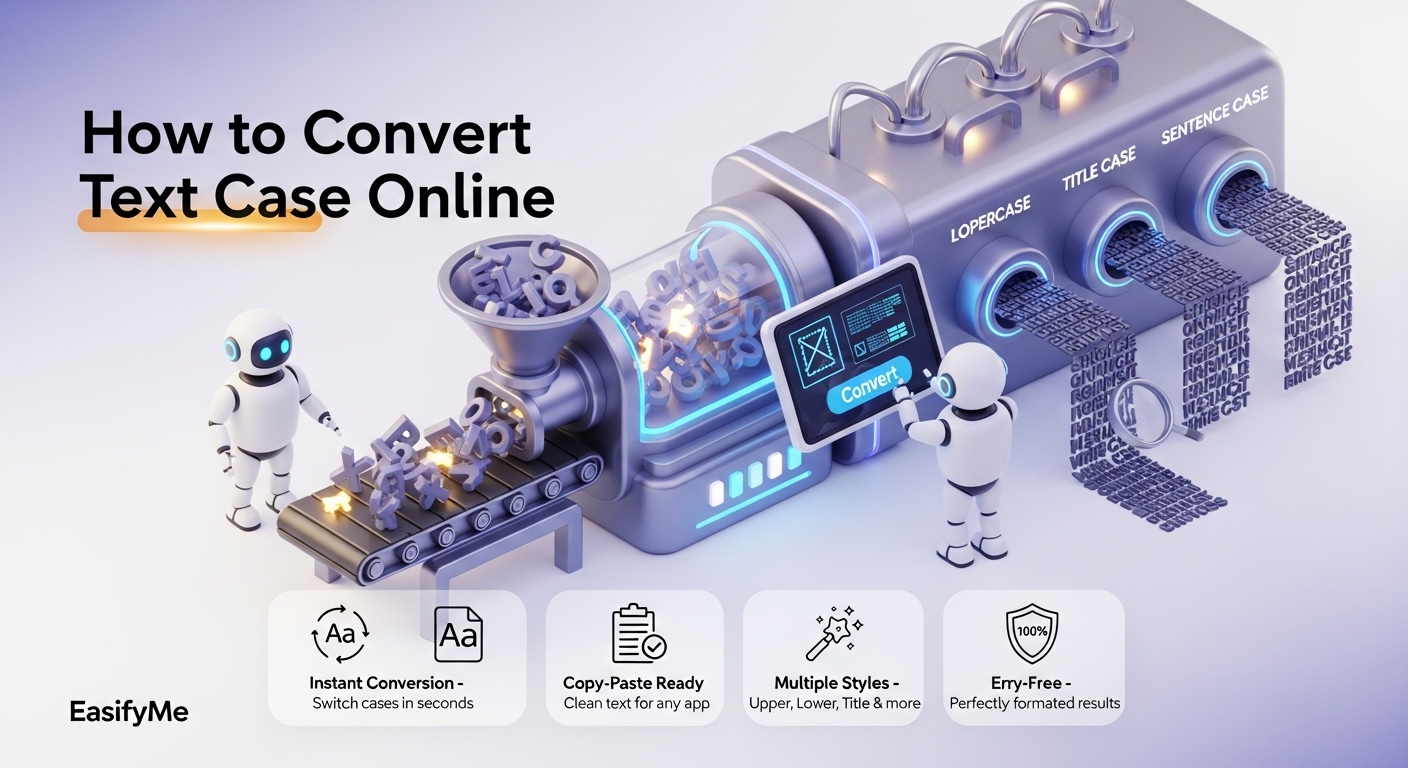
Using an uppercase to lowercase converter is easier than making coffee. Here is the simple flow:
1. Open a free case converter tool (like EasifyMe).
2. Paste or type your text into the input box.
3. Click the case you want — UPPERCASE, lowercase, Title Case, or Sentence case.
4. The text changes instantly — no page reload, no waiting.
5. Click "Copy" and paste it wherever you need.
That is it. The whole process takes under 5 seconds.
Comparison: Manual Editing vs Online Case Converter
|
Task |
Manual Typing |
Online Case Converter |
|
Time for 500 words |
10–15 minutes |
Under 2 seconds |
|
Typing mistakes |
Common |
Zero |
|
Works on long text |
Painful |
Instant |
|
Cost |
Your time |
Free, no login |
|
Privacy |
Depends on tool |
100% in your browser |
Benefits for Writing, SEO, and Coding
A good title case converter tool online is useful in more places than you think:
• Writing: Fix capitalization in long articles in one click.
• SEO: Title Case headings perform better in click-through rates. Use it for H1, H2, meta titles.
• Coding: Switch between camelCase, snake_case, and kebab-case while migrating code or naming variables.
• Social media: Make captions look clean. No more random shouting in the middle of a sentence.
• Email: Quickly fix subject lines and signatures.
Real-Life Use Cases
For Bloggers
You wrote your draft in lowercase to type fast. Now your headings need Title Case. A sentence case converter free + Title Case option fixes the entire post in seconds.
For Social Media Managers
Instagram and Twitter look better with consistent case. Quickly format your captions, hooks, and CTAs without re-typing.
For Developers
A case converter for writing and coding lets you switch a variable from `userName` to `user_name` to `user-name` in one click. Saves real minutes during refactoring.
For Students
Need to format a research paper? Convert your headings to Title Case and your body to Sentence case in two clicks.
Convert Text Case Instantly with EasifyMe
|
✨ Try the EasifyMe Text Case Converter. It is a free online text tools uppercase lowercase platform that lets you change text case instantly online — UPPERCASE, lowercase, Title Case, Sentence case, camelCase, snake_case, kebab-case, and more. No login. No ads. Privacy-friendly. Don't Work Hard. Easify It. |
Frequently Asked Questions (FAQs)
Q: What is the easiest way to convert text case online?
A: Paste your text into a free case converter, click the case you want, and copy the result. EasifyMe processes everything in your browser, so your text never leaves your device.
Q: Is there a free case conversion tool with no login?
A: Yes. EasifyMe Case Converter is 100% free and requires no login or signup. You can use it from any device, including mobile.
Q: How do I convert uppercase to lowercase fast?
A: Paste your text into the converter, click the "lowercase" button, and copy. Even a 10,000-word document converts in under a second.
Q: What is the difference between Title Case and Sentence case?
A: Title Case capitalizes the first letter of every important word. Sentence case capitalizes only the first letter of each sentence. Title Case is for headings; Sentence case is for body text.
Q: Can developers use a case converter for coding?
A: Yes. A good case converter for writing and coding supports camelCase, snake_case, and kebab-case — perfect for variable names, file names, and CSS classes.
Q: Is online text case converter safe to use?
A: If the tool processes text in your browser (client-side) like EasifyMe, it is fully safe. Your text is never uploaded or stored on a server.
Conclusion
Text case conversion is one of those tiny tasks that quietly eats your time. A good online tool removes that friction completely. Whether you are a blogger fixing a heading, a developer renaming variables, or a student formatting a paper, a free text formatting tools online free solution like EasifyMe gives you a clean, instant result in one click.
Stop retyping. Start easifying.