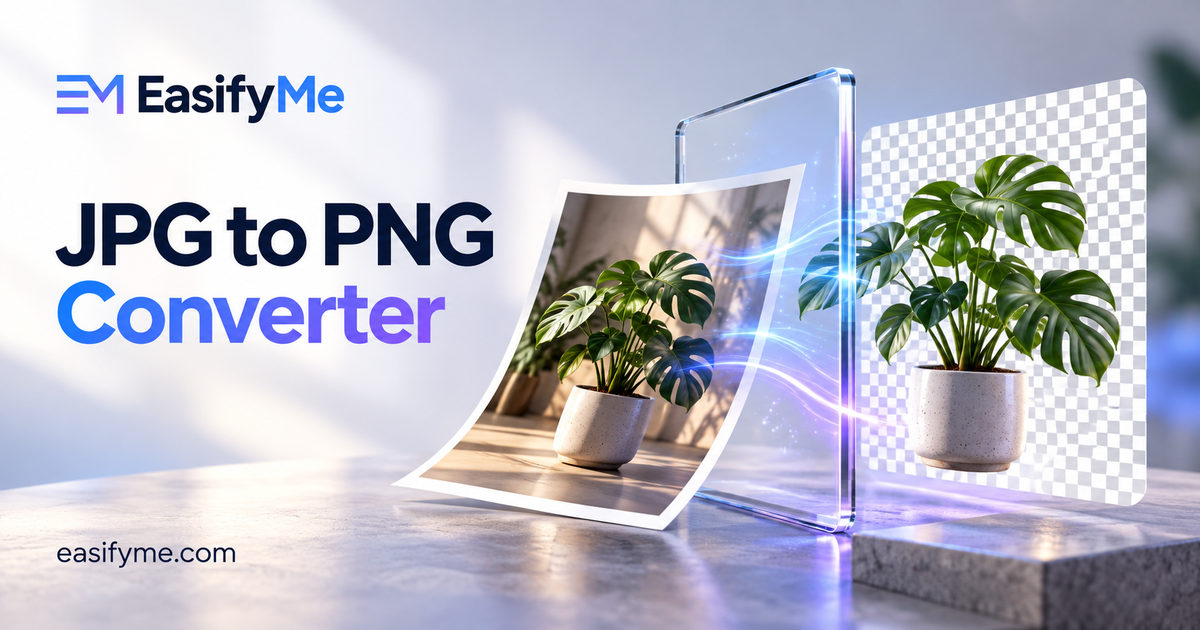
Quick Answer: A JPG to PNG converter re-saves a JPG image in the lossless PNG format. Converting stops any further quality loss when you edit and re-save the image, but it cannot restore detail the JPG already lost, and it does not create a transparent background on its own. Expect a larger file. Use the free EasifyMe JPG to PNG Converter to convert in your browser in seconds.
Key Takeaways
- PNG is lossless: once your image is a PNG, saving it again does not reduce quality.
- Converting JPG to PNG does not improve the quality of the original.
- PNG files are usually bigger than JPGs, often several times bigger for photos.
- Converting does not remove the background. You get a PNG with the same background as before.
- PNG is best for graphics you will keep editing, screenshots, and images that need transparency later.
JPG vs PNG: The Core Difference
JPG (or JPEG) uses lossy compression. It throws away small details the eye barely notices, which keeps photos small. Every time you edit and re-save a JPG, it loses a little more.
PNG uses lossless compression. It keeps every pixel exactly as it is, supports transparency, and handles sharp edges and text cleanly. The trade-off is file size.
|
Feature |
JPG |
PNG |
|
Compression |
Lossy |
Lossless |
|
Transparency |
Not supported |
Supported |
|
Best for |
Photos, sharing, email |
Graphics, logos, screenshots, editing |
|
Typical size for a photo |
Small |
Large |
|
Quality after repeated saves |
Gets worse |
Stays the same |
When Should You Convert JPG to PNG?
- Before heavy editing. If you will crop, annotate or adjust an image many times, convert once to PNG and work from that copy to avoid cumulative JPG damage.
- When a platform requires PNG. Some forms, app stores, design tools and templates only accept PNG uploads.
- When you plan to add transparency. You need a format that supports transparency before you remove a background in an editor.
- For graphics and text images. Diagrams, charts, and images with lettering stay crisper once they are stored losslessly.
When Not to Convert
If the image is a photo you only want to share, upload or email, keep it as JPG. Converting it to PNG will make the file bigger without making it look better. For websites, a large PNG photo can noticeably slow down your pages. If you need a smaller file, compress the JPG instead, or consider WebP.
How to Convert JPG to PNG Online (Step by Step)
- Open the free JPG to PNG Converter.
- Drag and drop your JPG files, or click to choose them from your device.
- Wait a moment while the images convert in your browser.
- Preview the results.
- Download each PNG, or download them all together.
Because conversion happens in your browser, your images are not uploaded to a server. That matters for private photos, ID documents and client work.
Worked Examples
Example 1: A logo saved as JPG
A small business has only a JPG version of its logo, and the website builder asks for a PNG. Converting to PNG meets the upload rule and keeps the logo from degrading when it is resized or edited later. If the logo needs a transparent background, remove the white background in an image editor after converting, then save it as PNG again.
Example 2: A phone photo for a blog
A 2 MB JPG photo becomes a PNG of roughly 8–12 MB, with no visible improvement. This is a case where you should not convert. Keep the JPG and run it through the Image Compressor to make it load faster.
Example 3: A screenshot you will annotate
A screenshot arrives as a JPG from a colleague. You will add arrows and labels, and it may go through several rounds of edits. Converting to PNG first keeps each round of saves from adding extra blur around the text.
Try it free: Convert several JPGs at once with the free JPG to PNG Converter. It works on desktop and mobile with no signup.
Why Is My PNG So Much Bigger Than the JPG?
A JPG discards detail to save space. When you convert to PNG, the converter must store every pixel of the decoded image exactly, including the tiny noise and compression artefacts from the JPG. Lossless compression cannot shrink that detail away, so the file grows. This is normal and does not mean anything went wrong.
To bring the size down, resize the image to the dimensions you actually need with the Image Resizer. Fewer pixels means a smaller PNG.
Converting in the Other Direction
Going from PNG to JPG is the right move when you have a photo stored as PNG and need a smaller file. Our PNG to JPG Converter handles that, and if you have WebP images that will not open in your software, the WebP to PNG Converter converts them to a widely supported format.
For more on keeping images sharp when you change their size, read our guide on how to resize images online without losing quality. You can explore every converter in the image tools hub.
Common Mistakes to Avoid
- Expecting better quality. Conversion preserves what is there; it cannot add detail.
- Expecting a transparent background. Transparency must be created in an editor.
- Converting photos for the web. PNG photos are heavy and slow your site.
- Converting back and forth. Each trip back to JPG loses more quality. Keep a master PNG and export fresh JPGs from it.
- Ignoring dimensions. A huge image stays huge in PNG. Resize first if you do not need full resolution.
Frequently Asked Questions
Does converting JPG to PNG improve quality?
No. PNG stores the image losslessly from that point on, so it prevents further loss, but it cannot restore detail that JPG compression already removed.
Will converting JPG to PNG make the background transparent?
No. The converted PNG keeps the same background as the JPG. To make it transparent, remove the background in an image editor and save the result as PNG.
Why is the PNG file larger than my JPG?
PNG is lossless, so it stores every pixel exactly, while JPG throws away detail to save space. For photos, a PNG is often several times larger than the JPG.
Is it safe to convert JPG to PNG online?
With EasifyMe, yes. The conversion runs entirely in your browser, so your images are never uploaded to a server.
Can I convert multiple JPG files to PNG at once?
Yes. You can add several JPG files together and download all the converted PNGs in one go.
Is JPEG the same as JPG?
Yes. JPG and JPEG are the same format. The shorter .jpg extension dates from older systems that allowed only three-letter file extensions.
Should I use PNG or JPG for printing?
For photos, a high-quality JPG is fine for most printing. For logos, text and graphics with sharp edges, PNG keeps lines crisp. Always use the highest resolution you have.