

Não Trabalhe Duro. Facilite Tudo.
Compress images
— free, instant, right in your browser.
No signup. No uploads to servers. Just results.
Find the Right Tool for Every Job
Browse 12 categories covering everything from SEO and development to AI and social media.
Popular Tools Right Now
The tools our users love most. Start here if you're not sure where to begin.
Converta texto entre maiúsculas, minúsculas, formato de título, camelCase, snake_case e mais 11 formatos.
Formate, minifique e embeleze JSON com destaque de sintaxe e visualização em árvore.
Calcule sua idade exata em anos, meses, dias, horas, minutos e segundos em tempo real. Inclui contagem regressiva de aniversário, signo do zodíaco, estatísticas de vida e linha do tempo de marcos.
Reduza o tamanho dos arquivos de imagem em até 90% sem perder qualidade.
Codifique texto, imagens e arquivos em Base64, com suporte a URL-safe, data URI e processamento em lote.
Calcule seu Índice de Massa Corporal com medidor visual, faixa de peso ideal, necessidade calórica de BMR/TDEE, estimativa de percentual de gordura corporal e histórico de IMC.
Redimensione suas imagens para qualquer tamanho.
Gere texto de preenchimento em mais de 15 estilos — clássico, hipster, corporativo, pirata, tech, zumbi e muito mais.
The Toolbox the Internet Deserved
No ads covering half the screen. No forced signups. No uploading your files to unknown servers. Just tools that work.
100% Private
Every tool runs entirely in your browser. Your files, text, and data never leave your device. We can't see what you process because it never reaches our servers.
Instant Results
No loading spinners, no waiting for server responses. Because everything runs locally, results appear the moment you click. Compress a 10MB image in under 2 seconds.
No Limits
No signup walls, no daily caps, no credit card required. Use every tool as many times as you need. We believe essential utilities should be accessible to everyone.
Works Everywhere
Desktop, tablet, or phone. Chrome, Safari, Firefox, or Edge. EasifyMe works on every modern browser and device. No app downloads, no installations, no updates to manage.
Three Steps. Zero Hassle.
Using EasifyMe is as simple as it gets. No accounts, no installations, no learning curve.
Pick a Tool
Search or browse 100+ tools across 12 categories. From image compression to loan calculators, from JSON formatting to Instagram bio generators.
Use It Instantly
No signup, no email, no waiting. The tool loads instantly in your browser. Paste text, upload files, enter numbers — results appear in real time.
Download or Copy
Get your results instantly. Copy to clipboard, download files, or share directly. Your data stays in your browser the entire time.
Built for Everyone Who Works Online
Whether you're a student, freelancer, developer, or business owner — EasifyMe has tools you'll use every day.
Web Developers
Format JSON, minify CSS, generate meta tags, validate code, convert colors, and debug faster with our developer toolkit.
Content Writers
Count words, check character limits for social media, convert case, remove duplicates, and generate placeholder text for mockups.
Social Media Managers
Compress images for faster uploads, resize for platform specs, generate hashtags, create bios, and calculate engagement rates.
Students & Teachers
Calculate percentages, convert units, check word counts for essays, use the age calculator, and compute BMI for health class.
Loved by Thousands of Users
"I use the JSON Formatter and Word Counter almost daily. No ads, no signup, just works. This is what the internet should be."
"The Image Compressor saved me hours. I was paying for TinyPNG Pro — now I just use EasifyMe for free. Better results too."
"My students love the Age Calculator and Percentage Calculator. Clean, simple, no distractions. Perfect for classroom use."
Common Questions About EasifyMe
Is EasifyMe free to use?
Is my data safe? Do you store my files?
Do I need to create an account?
How many tools does EasifyMe have?
Can I use EasifyMe on my phone?
What makes EasifyMe different from other tool websites?
Tips, Guides & Updates
Learn how to make the most of our tools, stay updated with new features, and discover productivity tips.
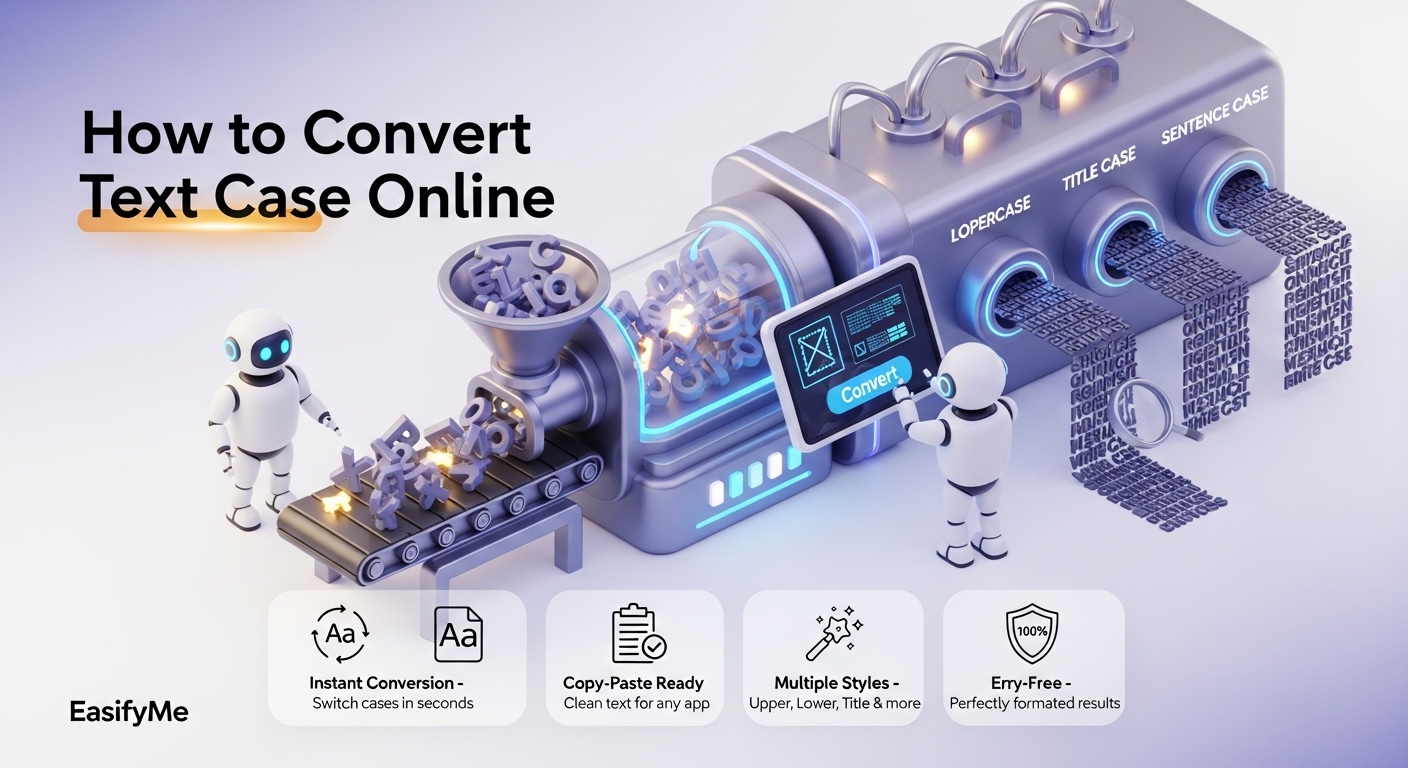
How to Convert Text Case Online: Uppercase, Lowercase, Title Case, and 5 More
Read More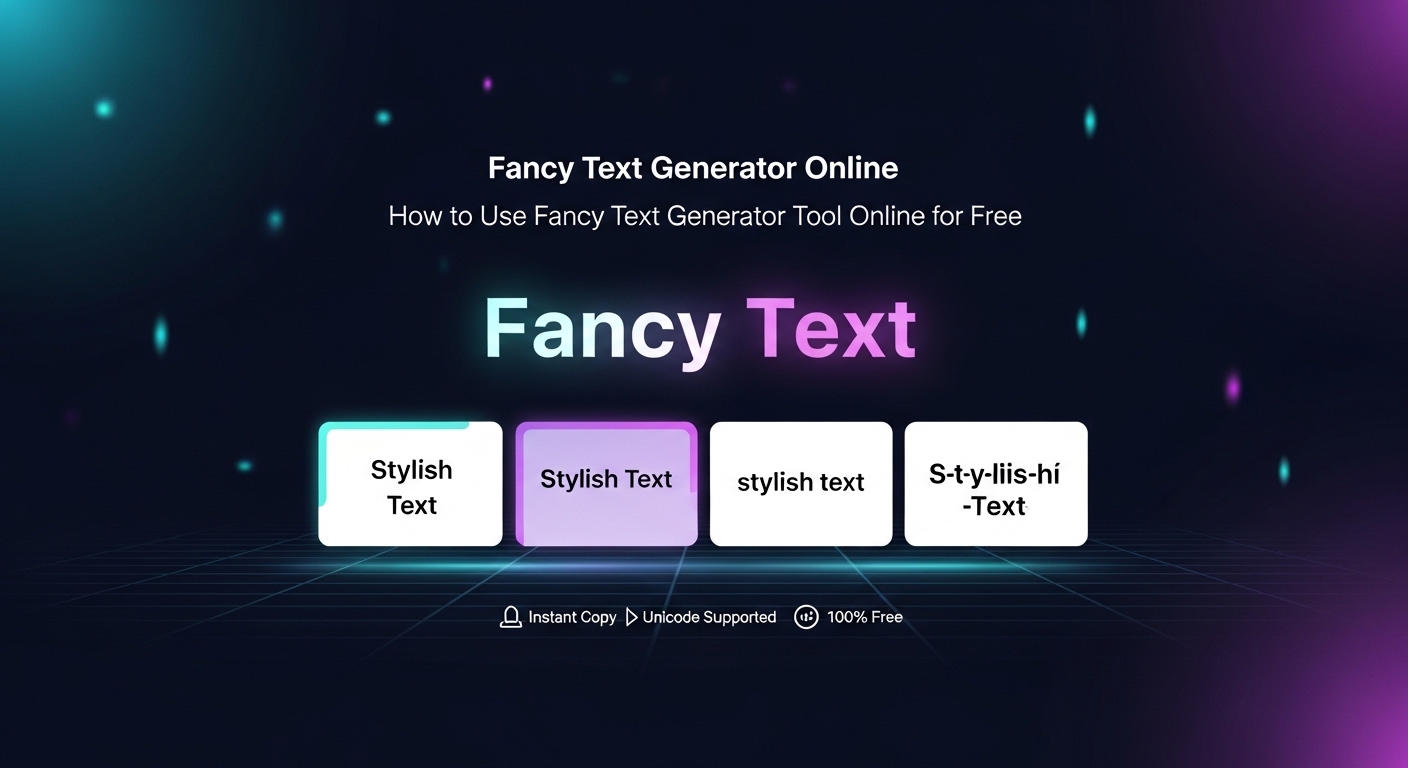
How to Use Fancy Text Generator Tool Online for Free (Step-by-Step Beginner Guide)
Learn how to use a fancy text generator online for free. Create stylish fonts for Instagram, names, and posts instantly—no signup needed.
Read More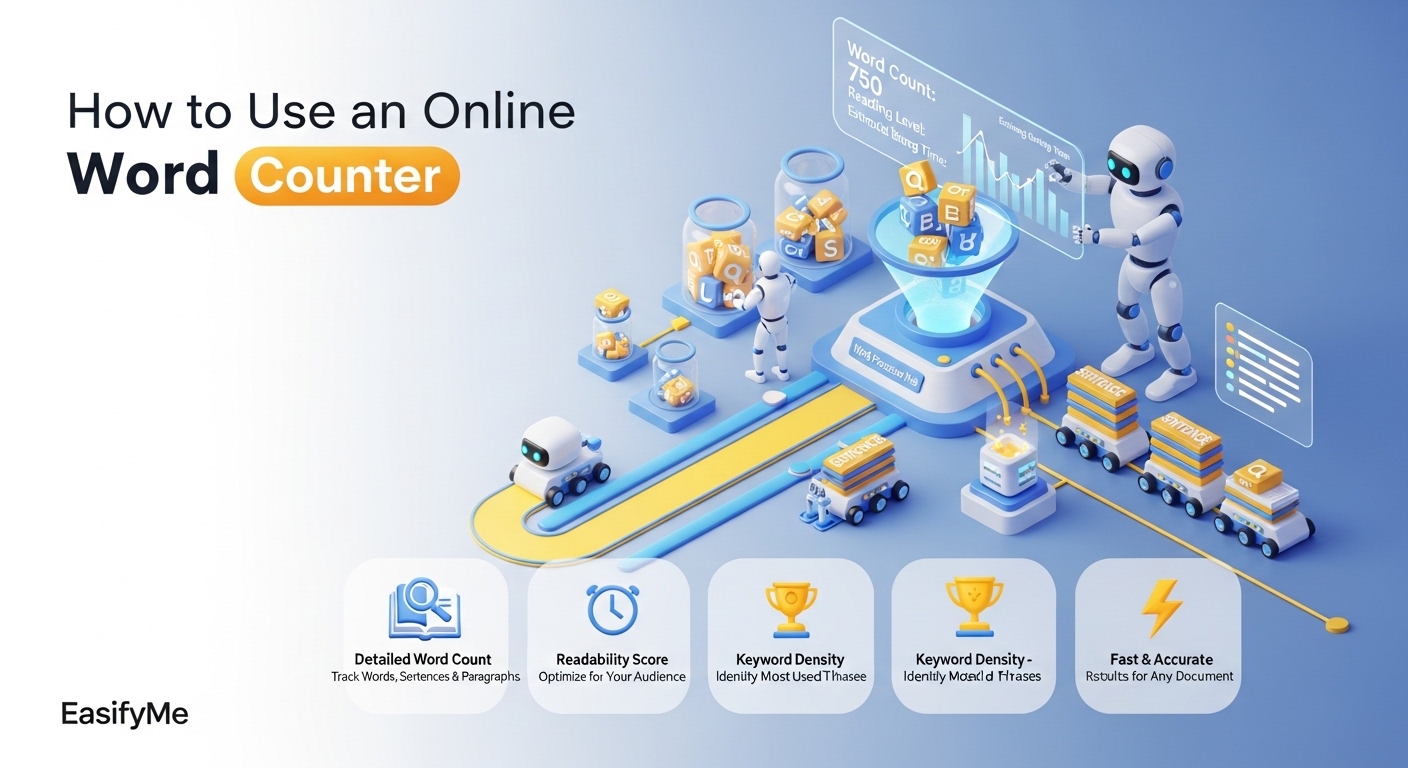
How to Use Word Counter Tool Online for Free (Step-by-Step Beginner Guide)
Learn how to use a word counter online for free. Step-by-step guide with tips, tools, and examples. No signup needed—fast and easy tools.
Read MoreCan't Find the Tool You Need?
We're always adding new tools. Tell us what you need and we'll build it for you.